

Greenhouse planner for beds and benches
Make room for what you want to grow under cover. Plan benches, raised beds and paths to scale, then set planting start dates. For a hobby greenhouse or a small commercial growing space. Start free, without an account.

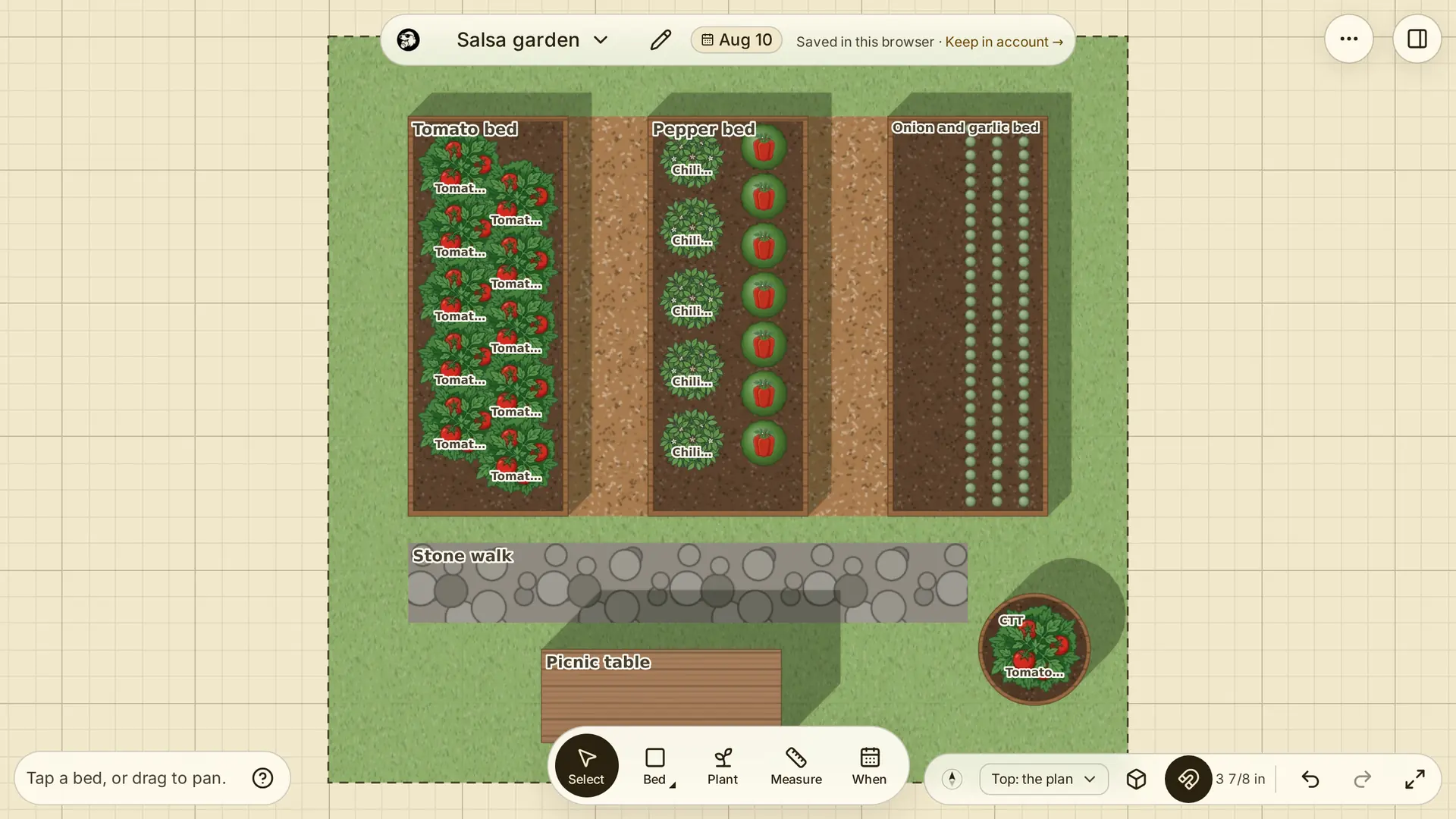
Fit benches, raised beds and paths inside
Choose A greenhouse and enter its width and length, or open the greenhouse example with a potting bench. Draw raised beds, pots and paths inside the footprint. Represent benches with shelves or racks, then place beds or pots on their shelves. Set dimensions in metres or feet and inches, and name the spaces to match your greenhouse.
Choose crops from the Plant Library and adjust their spacing. Switch between the plan and 3D views to review the arrangement.
Set start dates for each planting
Enter a planting's start and end dates and choose whether it is direct-sown or transplanted. Move the date slider to see what is growing on a chosen day. For a variety with days to maturity in the Library, the inspector shows an estimated harvest window from the start date.
Review a season-extension plan
Enter your local frost dates before using Fill in planting dates. The planner recognises plantings inside a greenhouse as under cover and suggests earlier starts than its outdoor schedule. These are estimates, not a temperature forecast for your greenhouse. Change each date for your heating, ventilation and local conditions.
Keep notes on each planting as you refine the plan. You can work without an account and save a garden file to reopen later.
Planning outdoor beds too? See the farm planner