

Farm planner for small market gardens
Put your market garden on a plan you can measure. Lay out field blocks, beds and rows, choose crops from the Plant Library and set dates for each planting. Start free in your browser, without an account.

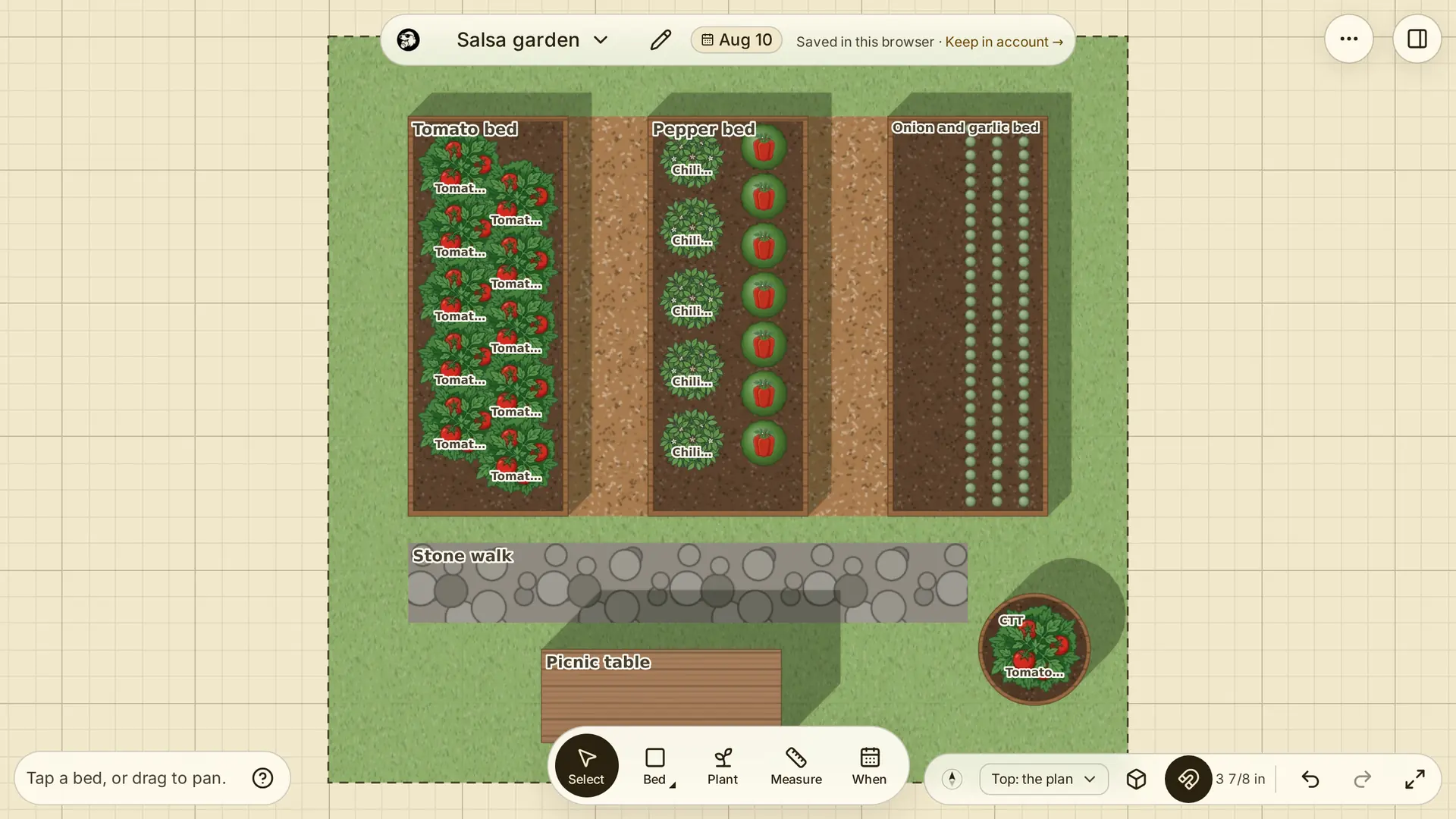
Lay out field blocks, beds and rows
Choose A farm on the start screen and enter your dimensions. Start with the Rows template or a blank plan. Draw fields to divide the ground into blocks, add beds and paths inside them, and name each space so you can find it again. Work in metres or feet and inches.
Choose crops from the Plant Library, then adjust plant spacing and row spacing to suit your beds. The crop plan lists each planting, its space and its plant count.
Plan succession planting by date
Give each sowing its own planting with a start and end date. For a second crop in the same bed, end the first planting before the next starts. Move the date slider to review what occupies the ground at each point in the season. You choose the succession dates.
Keep crop rotation decisions with the plan
Use named fields and beds to keep track of where you intend to grow each crop. Add your rotation decisions to planting notes and keep a garden file for each season. Crop rotation is planned by you; the editor does not prescribe a rotation or check crop-family history.
Review harvest timing before you plant
Enter your frost dates and use Fill in planting dates for suggested start dates, then change them to match your own schedule. When a selected variety has days to maturity in the Library, the planting inspector shows a harvest estimate from its start date. Use that estimate as a planning reference, then check it against your growing conditions.
Explore the planting calendar